
Poster Templates
Ready-made presets to get you started fast. Pick a template, upload your photo, and go.
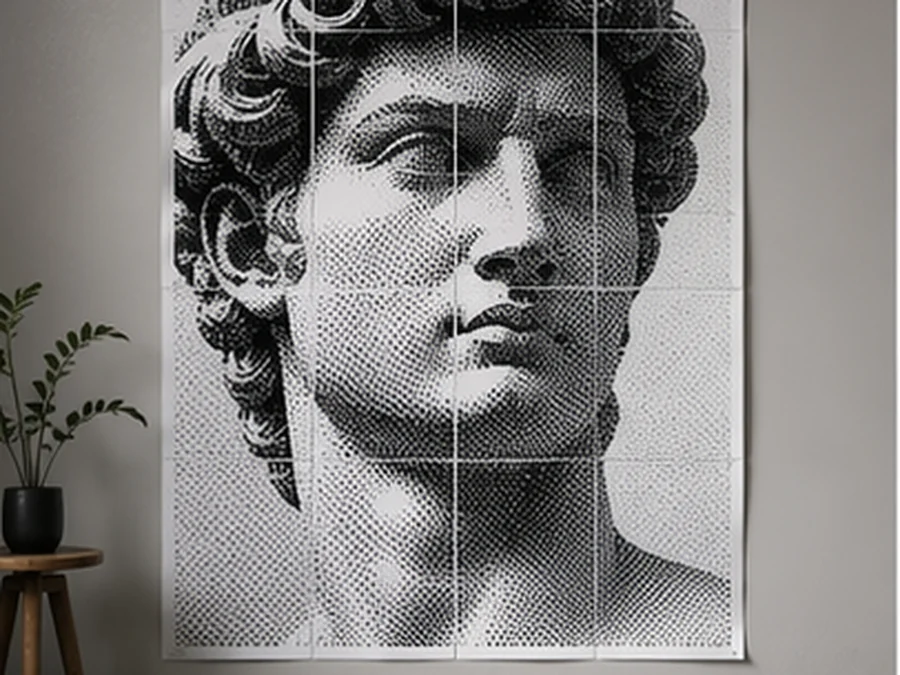
Classic B&W Halftone
BeginnerThe timeless halftone look — circle dots on a 10mm grid in pure black and white. Great for portraits and bold graphics.
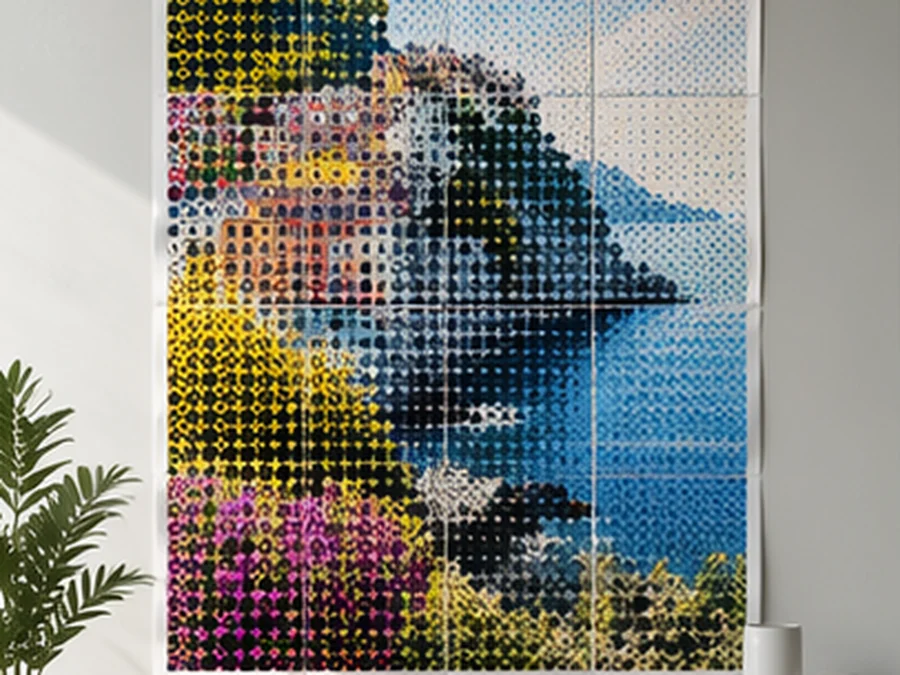
Color Halftone
BeginnerFull-color halftone with an 8mm dot grid. Brings out rich tones in photos and artwork.
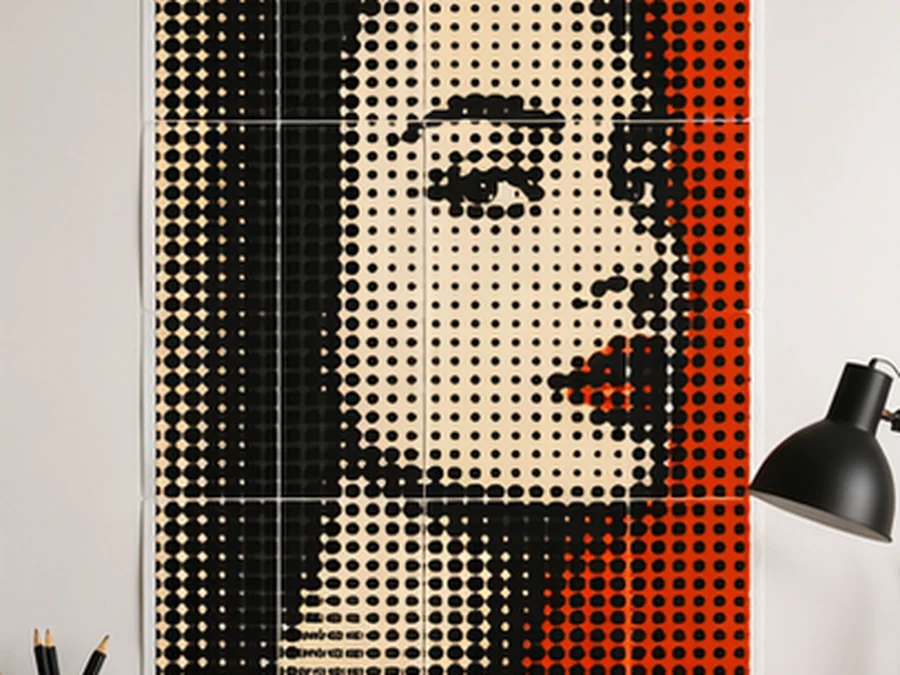
Pop Art Bold
IntermediateSquare dots on a 12mm grid with high contrast. Inspired by Roy Lichtenstein — bold, graphic, and eye-catching.
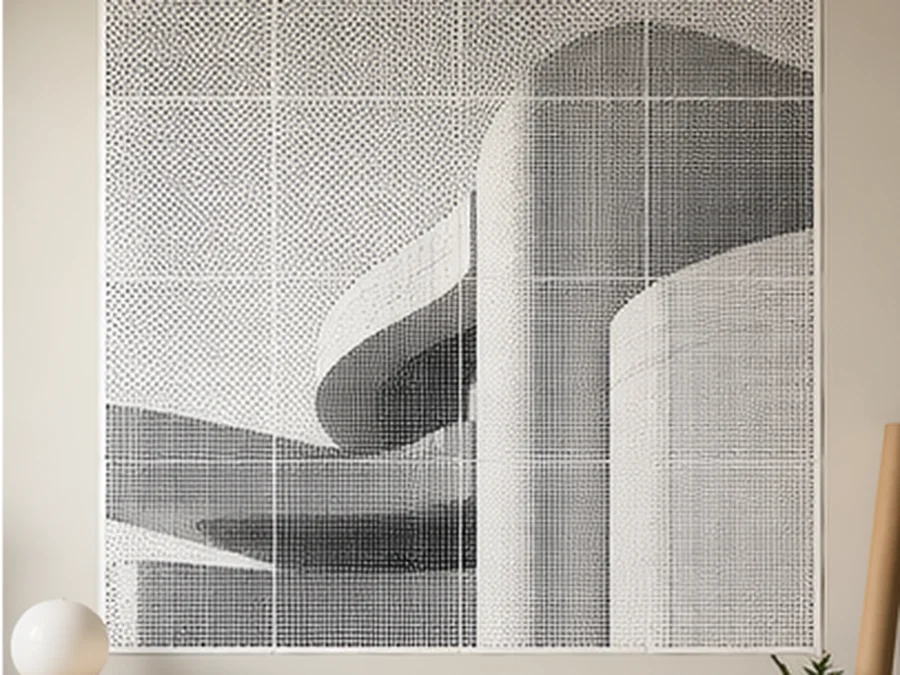
Minimal Dots
BeginnerFine 5mm circle dots in black and white for a subtle, refined halftone effect. Perfect for smaller posters.
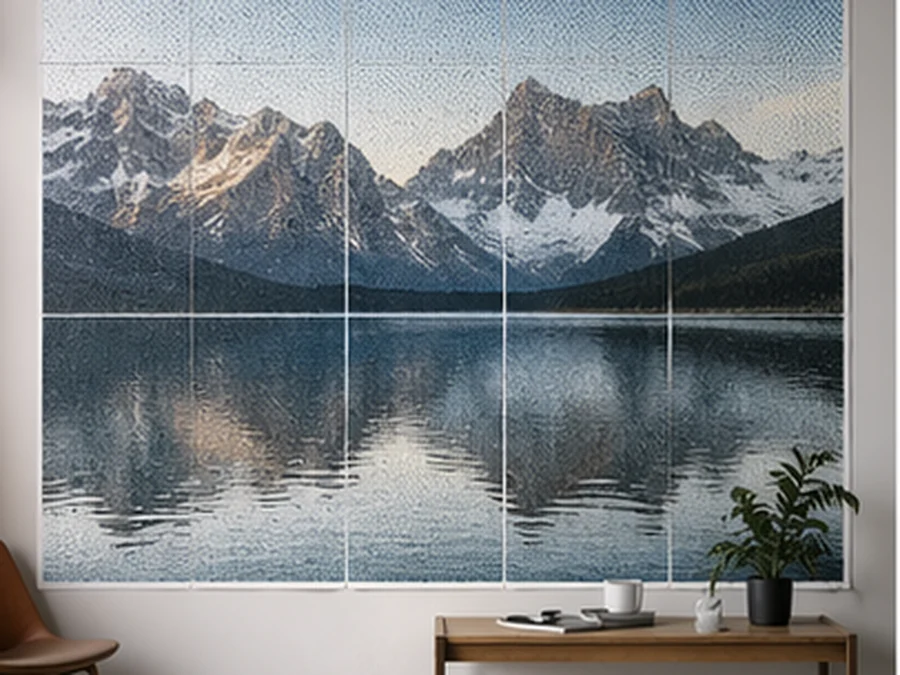
Large Wall Landscape
AdvancedA 4x4 page grid on A4 paper — ideal for filling a large wall with a landscape photo in full color.
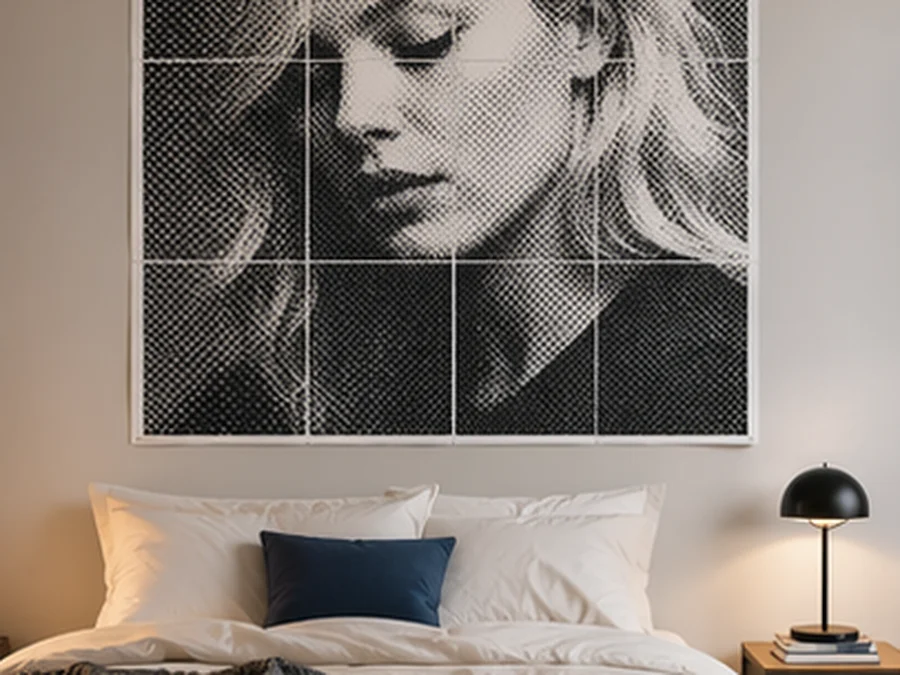
Bedroom Portrait
IntermediateA 2x3 portrait layout with soft 8mm circle dots. Perfect above a bed or as a personal photo display.
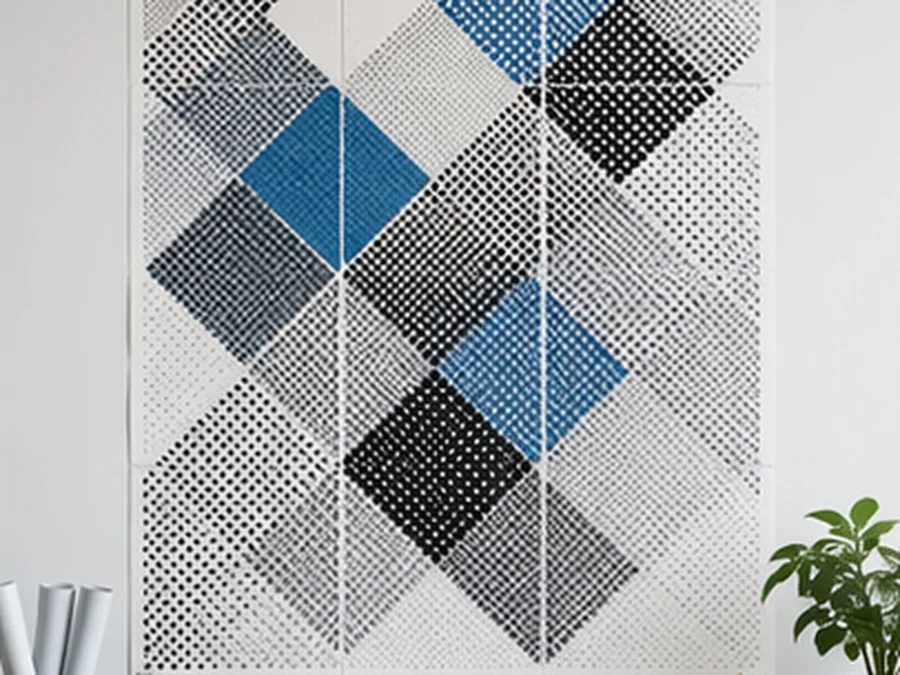
Office Abstract
AdvancedDiamond dots on a 10mm grid with custom colors. Adds a sophisticated, geometric touch to any workspace.
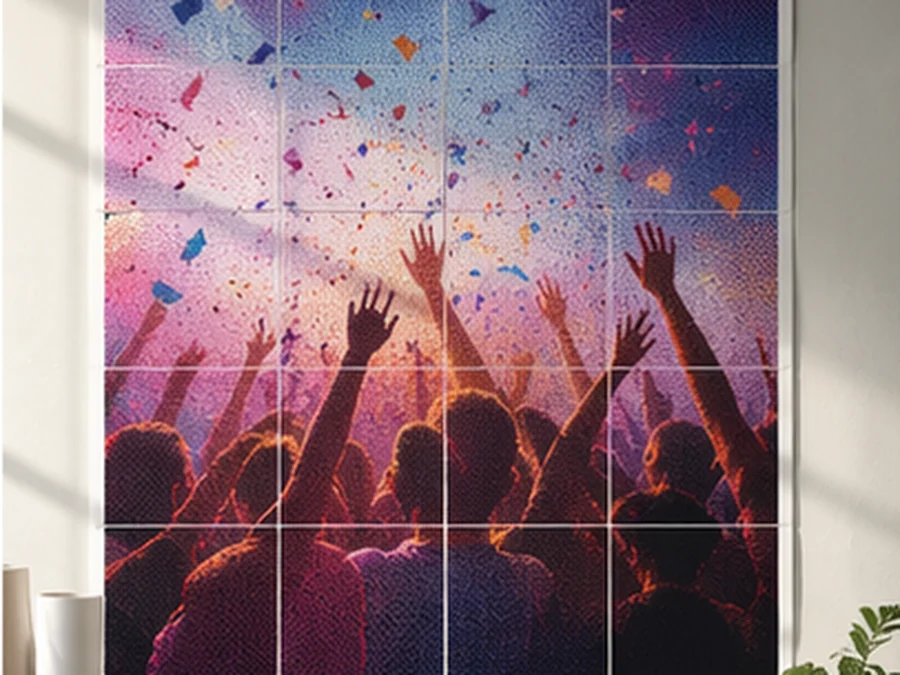
Party Photo Wall
IntermediateA 2x2 square-dot grid in full color — quick to print and assemble for events, parties, or photo backdrops.
Why Use Poster Templates?
Starting from scratch can be overwhelming. Our curated poster templates give you proven combinations of dot style, grid size, and color mode that look great on any wall. Just pick a template, upload your image, and print — no guesswork needed.
How Templates Work
Each template is a preset combination of Rasterbator settings optimized for a specific look. Click any template to see its parameters, then hit Use This Template to jump straight into the poster maker with all settings pre-applied. You can still tweak anything before generating your poster.
Choosing the Right Template
Match Your Space
Large wall templates with coarse grids (10-15mm) work best for living rooms and open spaces. Smaller bedroom templates with finer grids create more detailed, intimate results.
Consider Your Image
High-contrast photos work brilliantly with black and white halftone templates. Colorful images shine with the color halftone or party templates that preserve the original palette.
Think About Viewing Distance
Templates with larger dot sizes create a dramatic effect when viewed from across the room, while fine-dot templates reveal more detail up close.
Template FAQ
Can I customize a template after selecting it?▼
Yes. Templates pre-fill the settings, but you can adjust any parameter before generating your poster. Think of them as starting points, not locked presets.
Which template is best for beginners?▼
Classic B&W Halftone is the easiest to start with. It works with almost any image and produces reliable, striking results with minimal setup.
Do I need a special printer for any template?▼
No. All templates are designed to work with standard home inkjet or laser printers using regular A4 or Letter paper.